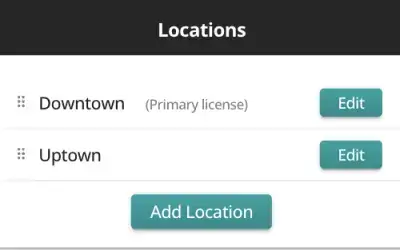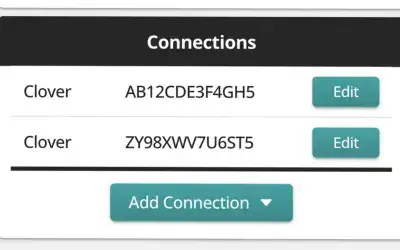

Spark's hosted MCP connector gives Claude, ChatGPT, Grok, and other MCP-compatible AIs read-only access to Spark IQ's 15 business analysis tools, and it is designed for non-technical users. Every tool respects each Spark user's location access. Advanced aggregation, filtering and sorting options let the AI request only the data it needs, which keeps token usage down.
1. Ask Spark to Activate MCP Access
MCP access is available by request only. Email support@getaspark.com and ask us to activate it for your Spark account.
2. Add the Spark IQ Connector
Open the custom connector or remote MCP settings in your AI tool (see links below) and enter these two values:
- Name:
Spark IQ - MCP server URL:
https://mcp.getaspark.com/mcp
Add the connector, then sign in to Spark if prompted. If the AI asks for other optional fields, leave them blank.
Here are the instructions for the most commonly used AIs that support MCP:
Claude
Follow Anthropic's instructions for adding a custom connector.
Helpful tip: By default, Claude asks for permission each time a Spark IQ tool is used. You can approve a tool so it runs without asking again, or block a tool entirely.
ChatGPT
Follow OpenAI's instructions for connecting and testing an MCP server.
Helpful tip: OpenAI's current setup flow uses Developer mode, and availability may depend on your ChatGPT plan and workspace settings. This requires some technical expertise, so Claude and Grok are currently better options for non-technical users.
Grok
Follow xAI's instructions for adding a custom MCP connector.
Helpful tip: Grok discovers all 15 Spark IQ tools and makes them available in conversations automatically. For a Business or Enterprise workspace, an administrator may need to add the connector first.
3. Give It a Try
Start a new conversation by asking a question like:
How did sales last week for [business name] compare with the previous week?
Always include the business name (and location, if applicable) so the AI has enough context. Since "sales" could mean many things to a general-purpose AI, that detail helps it choose the right tools.
Spark IQ does not allow any updates to your Clover or Square data or configuration, so you do not need to be concerned about the AI "going rogue" with your requests. Tight security measures prevent unauthorized users from accessing your data.
Need Help?
For Spark access or connection problems, email support@getaspark.com.